Call for Applications for non EU candidates is now open!
Please find the call for applications at the following link: https://dia.unipr.it/en/node/100412.
Deadline: April 17th
Please note that before entering this procedure you MUST have already started the VISA request process on Universitaly.
Then switch to English clicking on 'eng'
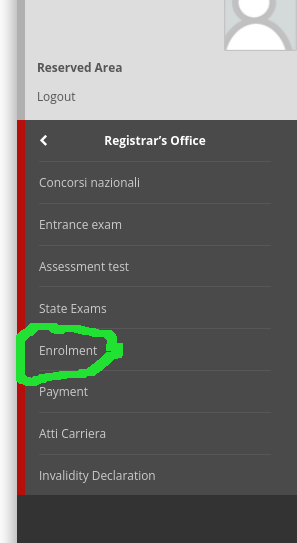
You have now to select MENU → REGISTRARS' OFFICE → ENROLMENT
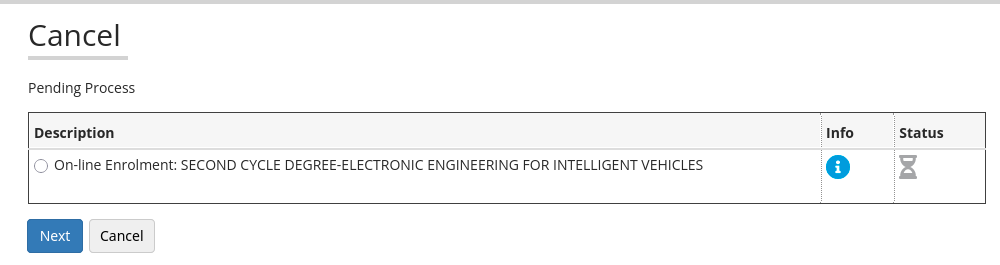
In the next page you should see the possibility to select EEIV, then click on NEXT
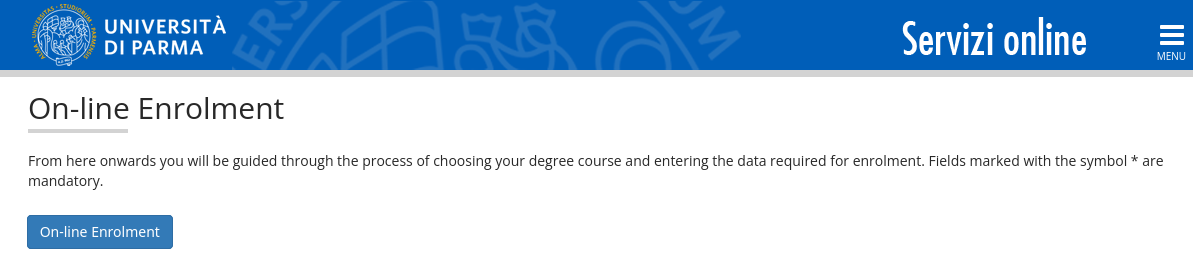
The enrolment process is then started
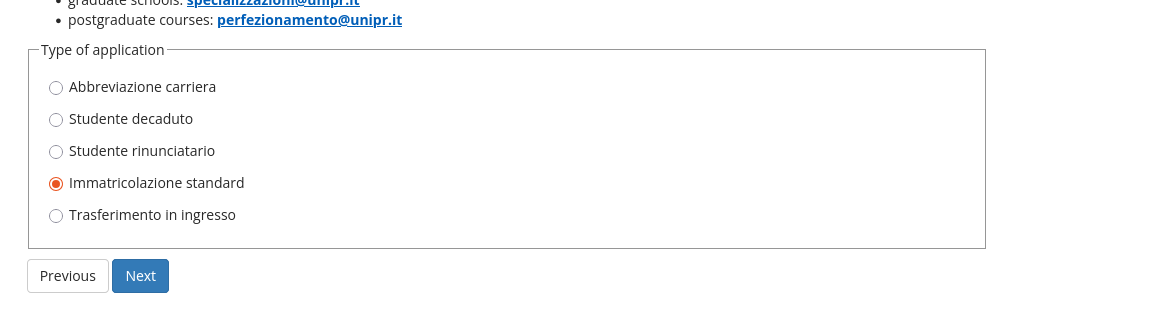
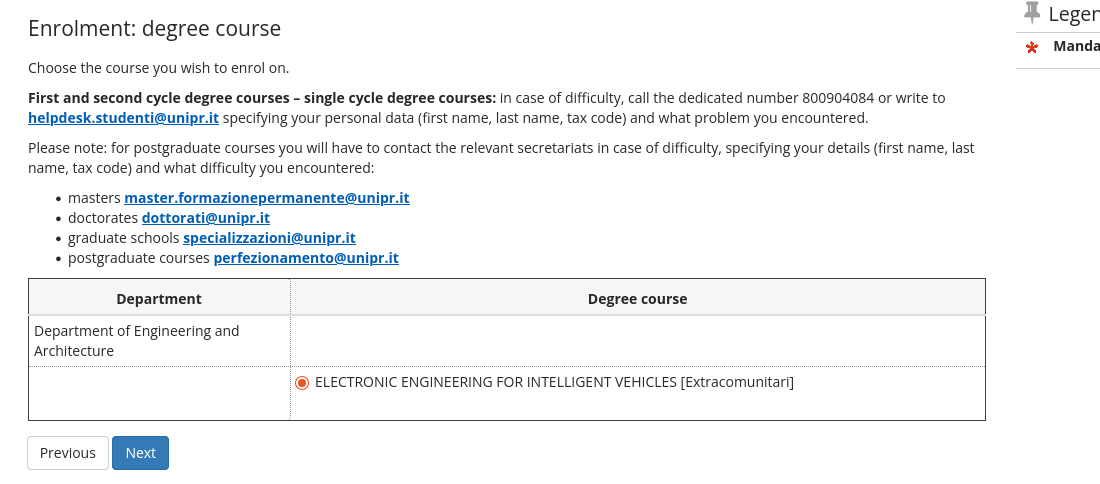
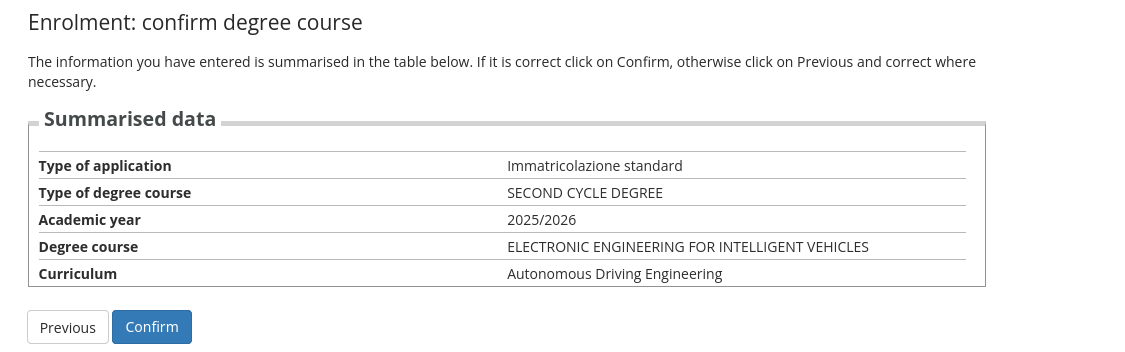
You have even to confirm this in the next page...
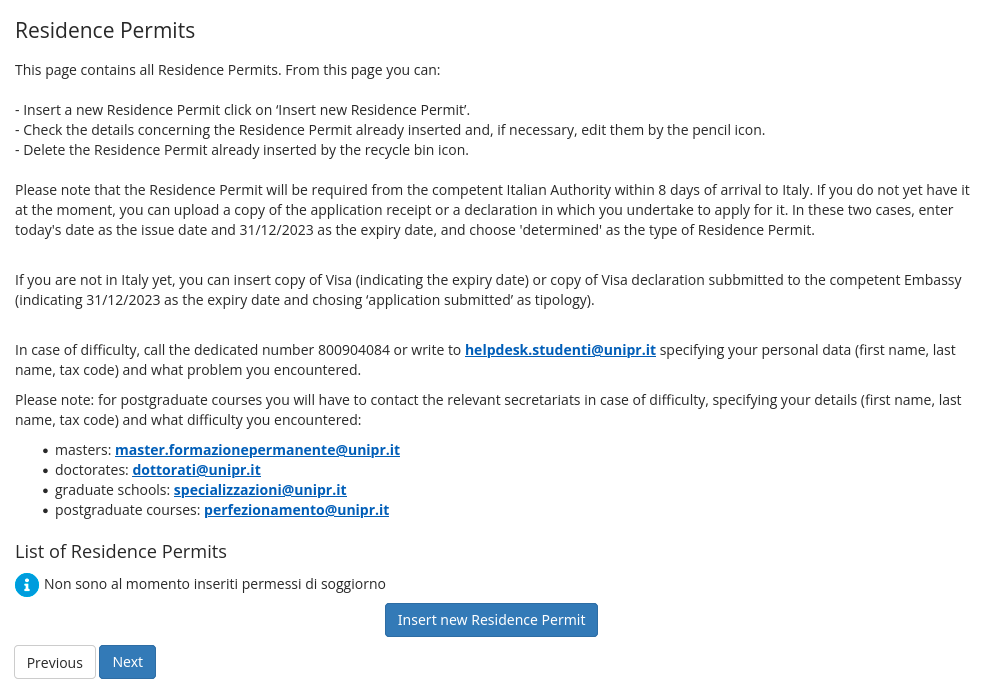
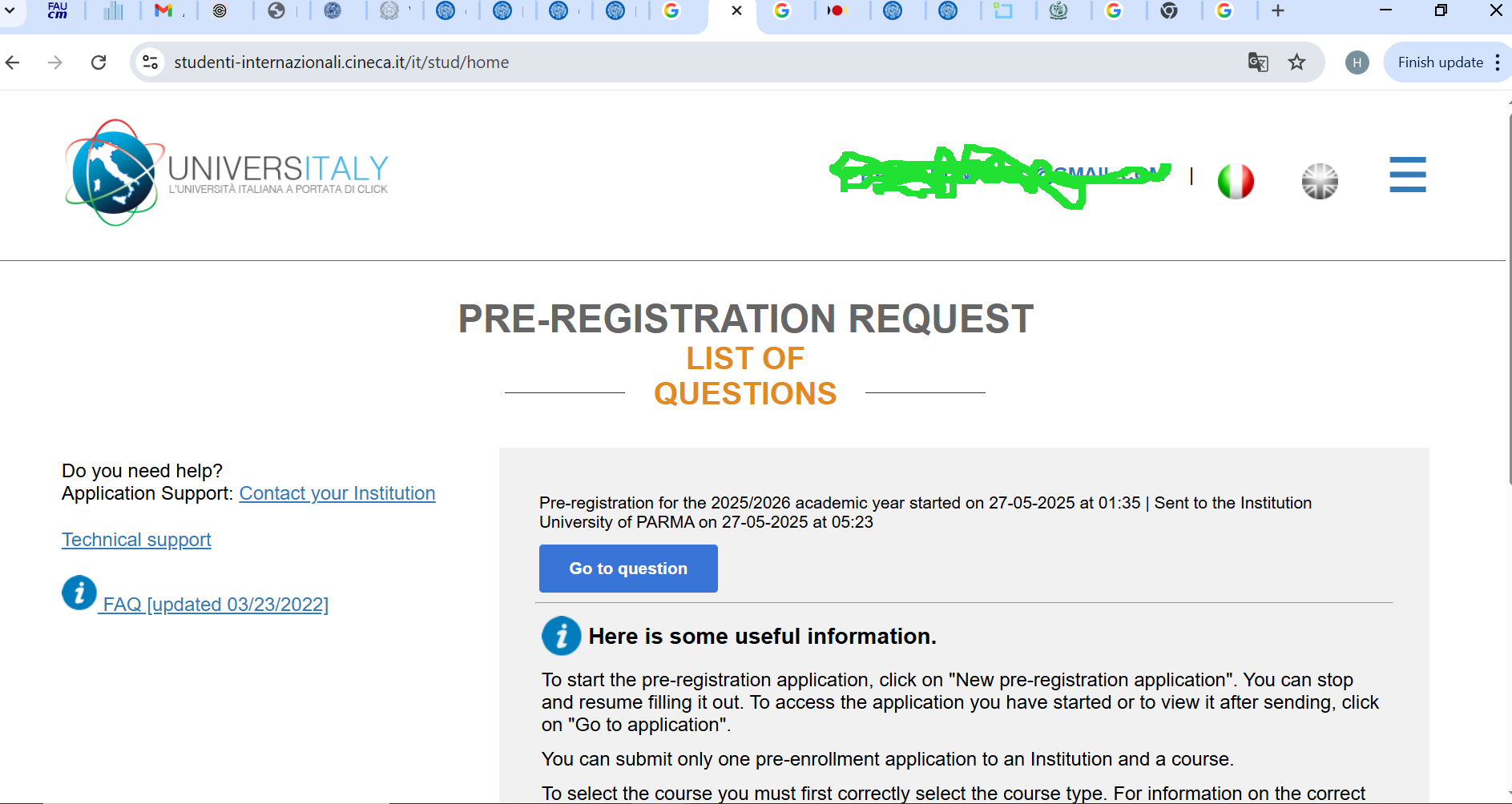
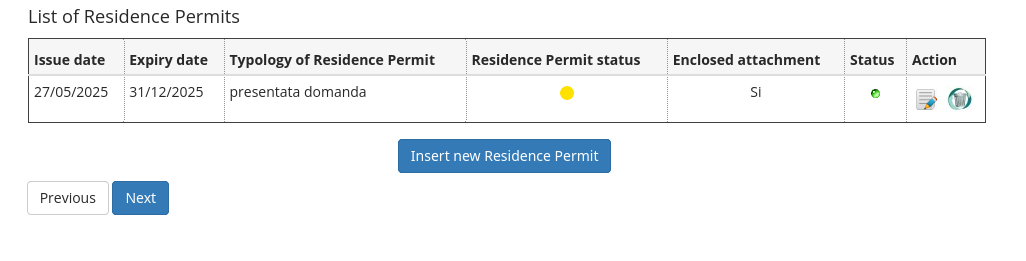
This page is asking a residence permit that you probably do not have right now... Do not worry. You can simply upload a screenshoot of the universitaly page like the following one that shows your mail, the date where the universitaly process was started and the date where it has been finalized and sent to the university of Parma:
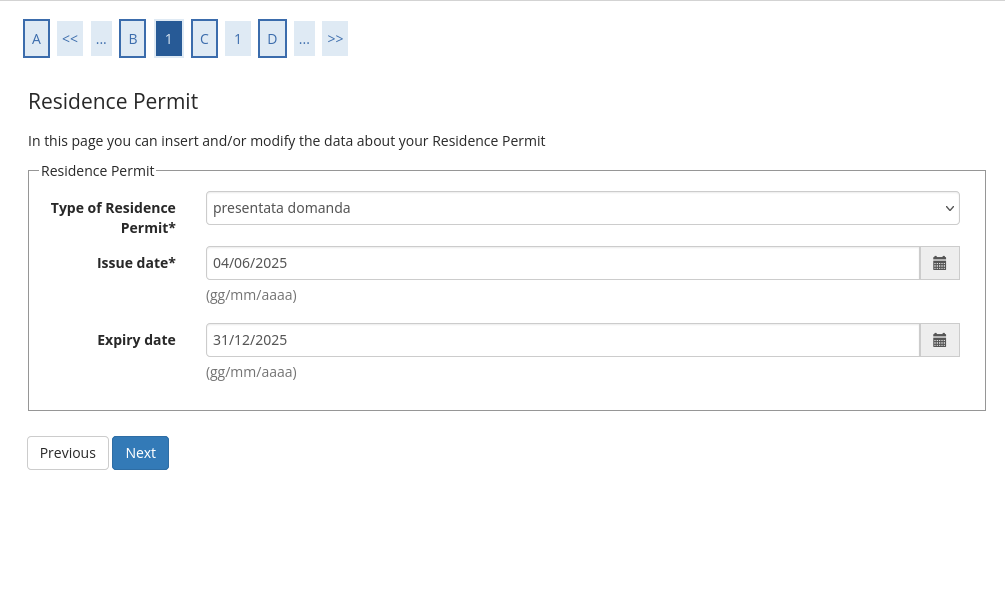
Type of Residence Permit: presentata domanda (in English already applied), Issue date: starting date you have in the screenshot, Expiry date: 31/12/current year
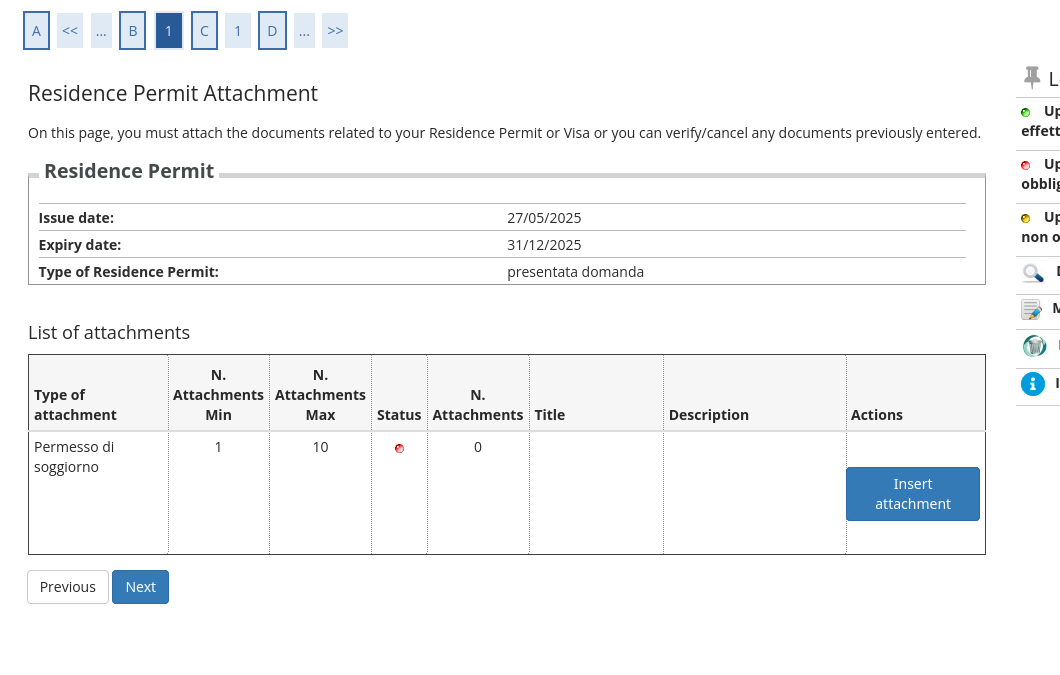
Upload the screenshot
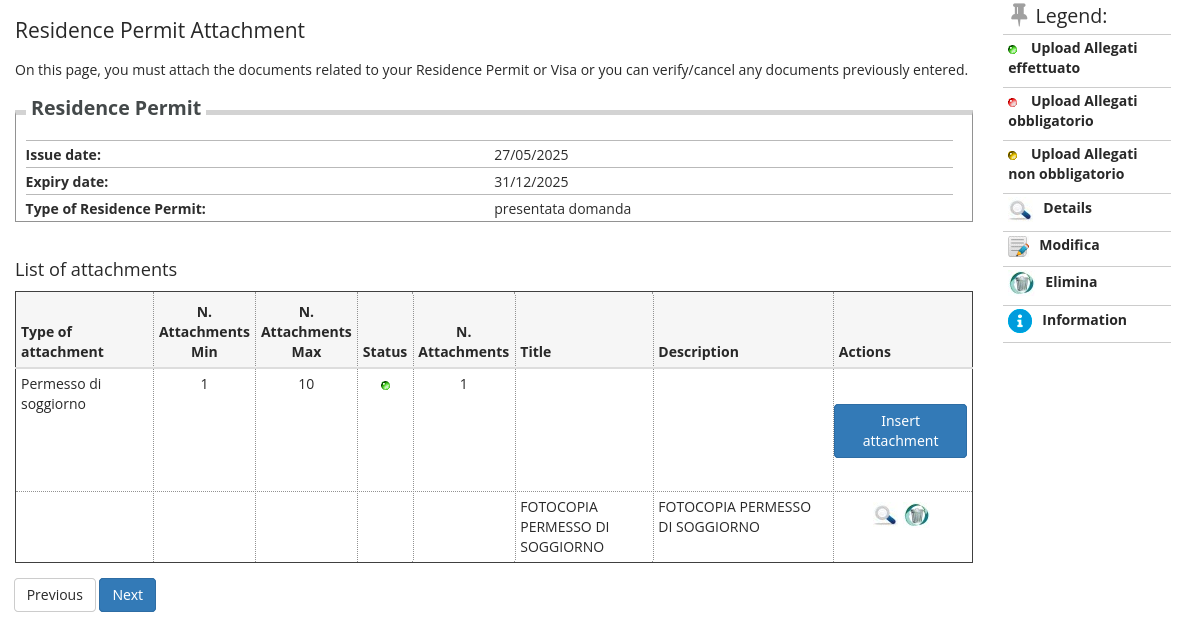
The resulting page should be something like:
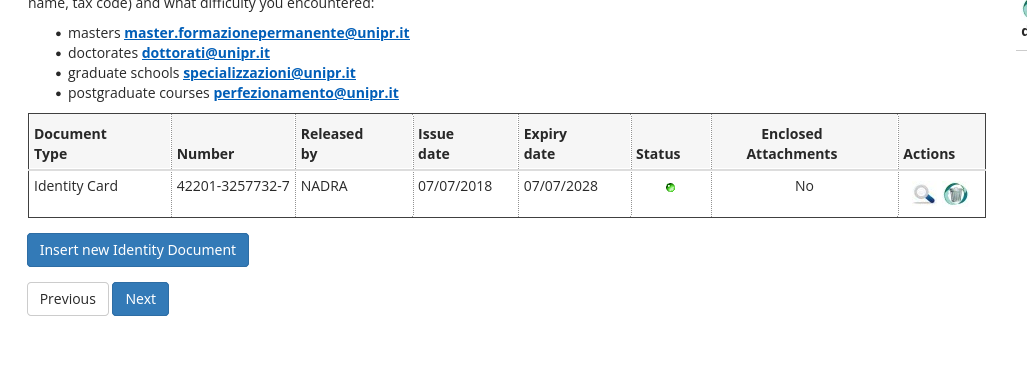
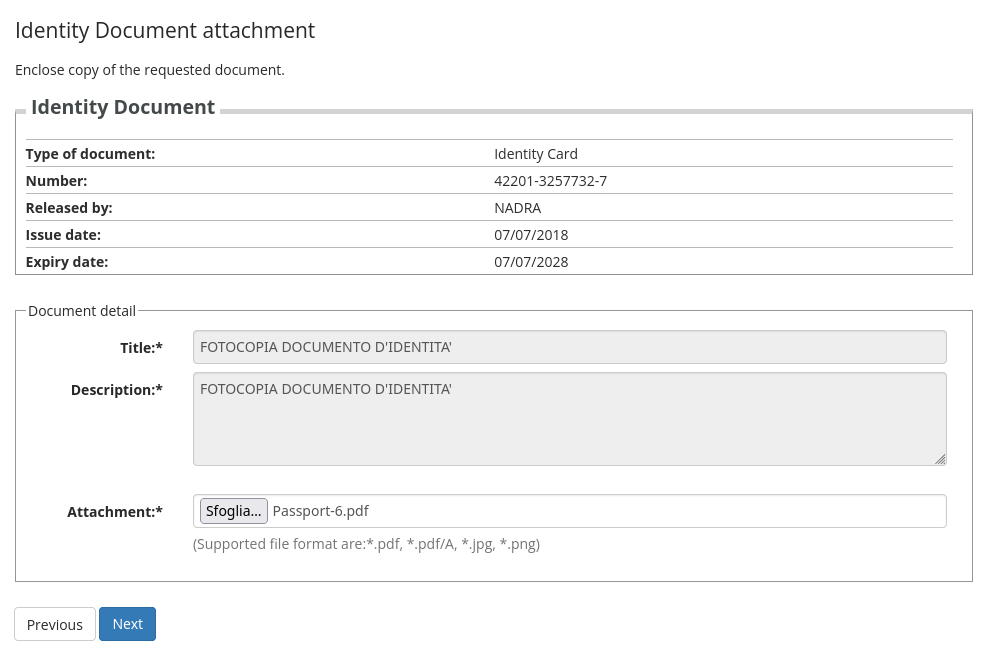
Again you can upload a screenshot of a generated Tax ID.
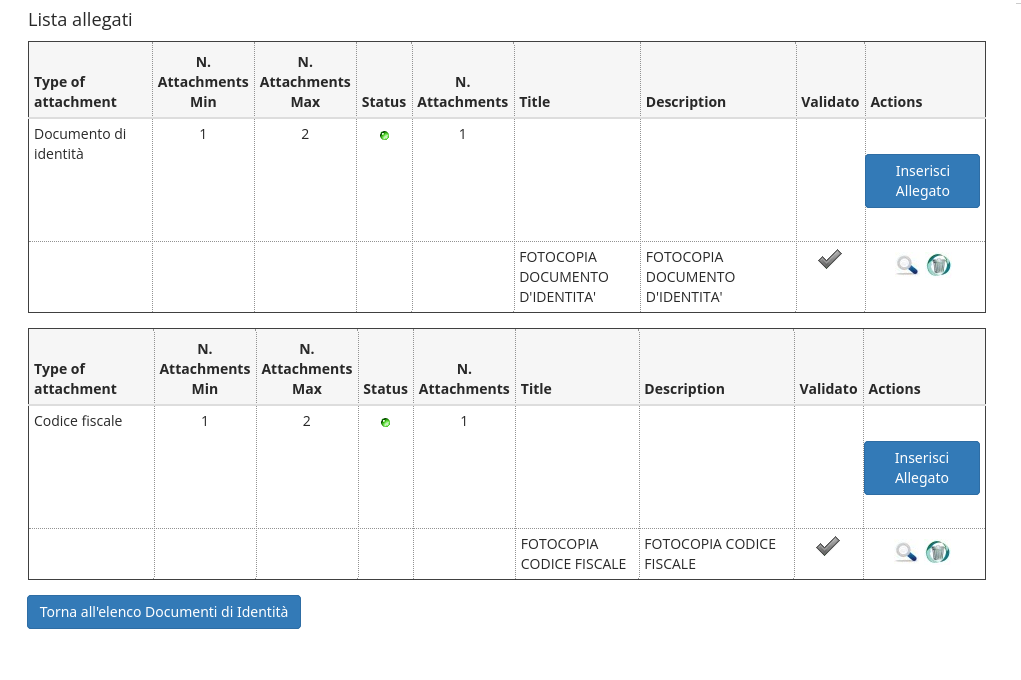
Go to https://www.codicefiscaleonline.com and enter your data, namely Cognome (Surname), Nome (Name), Sesso (Sex), Luogo di Nascita (your Country), Provincia (enter EE), Data di nascita (birthdate) enter as DD/MM/YYYY
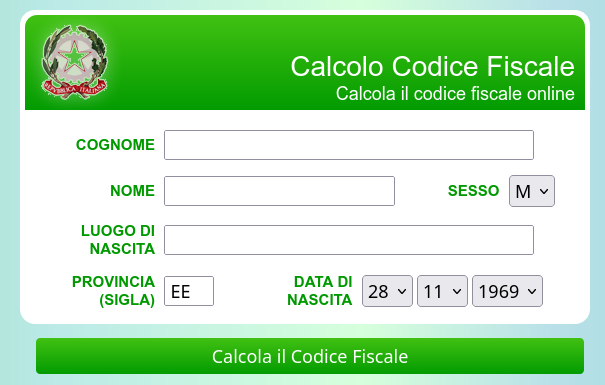
Click on Calcola il Codice Fiscale and upload the screenshot. Please note that the result have to be the same you entered during the application process and that you can find in the pre enrollment letter
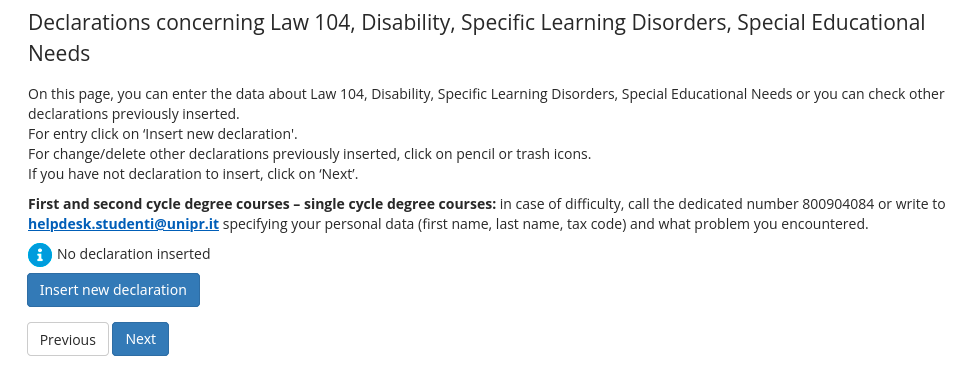
Usually no needs to upload supplementary material. The only sistuation is maybe when you are coming from another masters' degree in Italy and you want to apply for recognition of exams (but you cand still do this after enrollment.
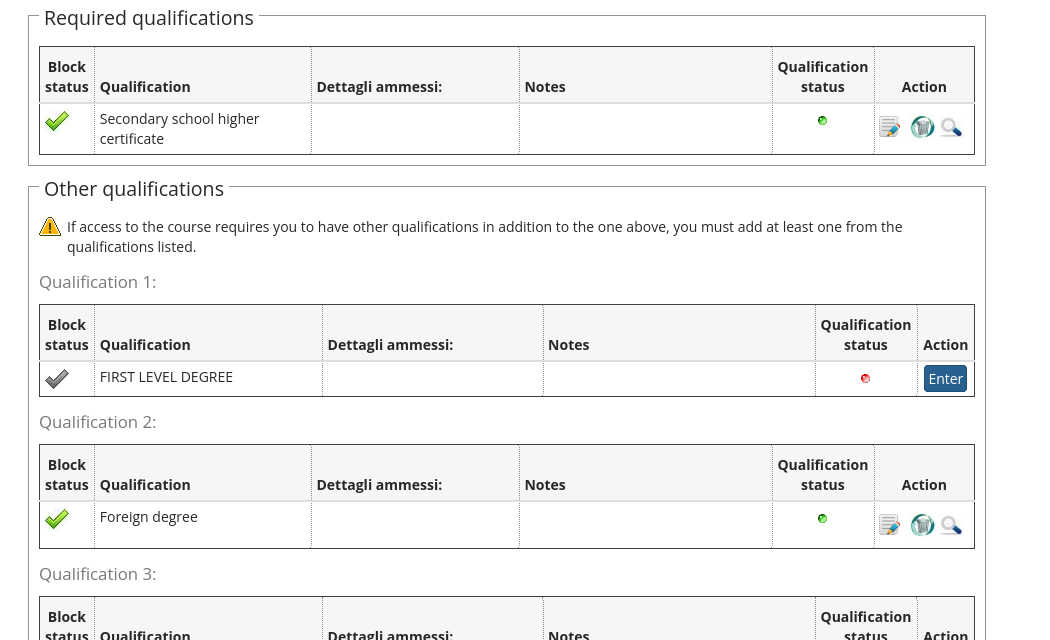
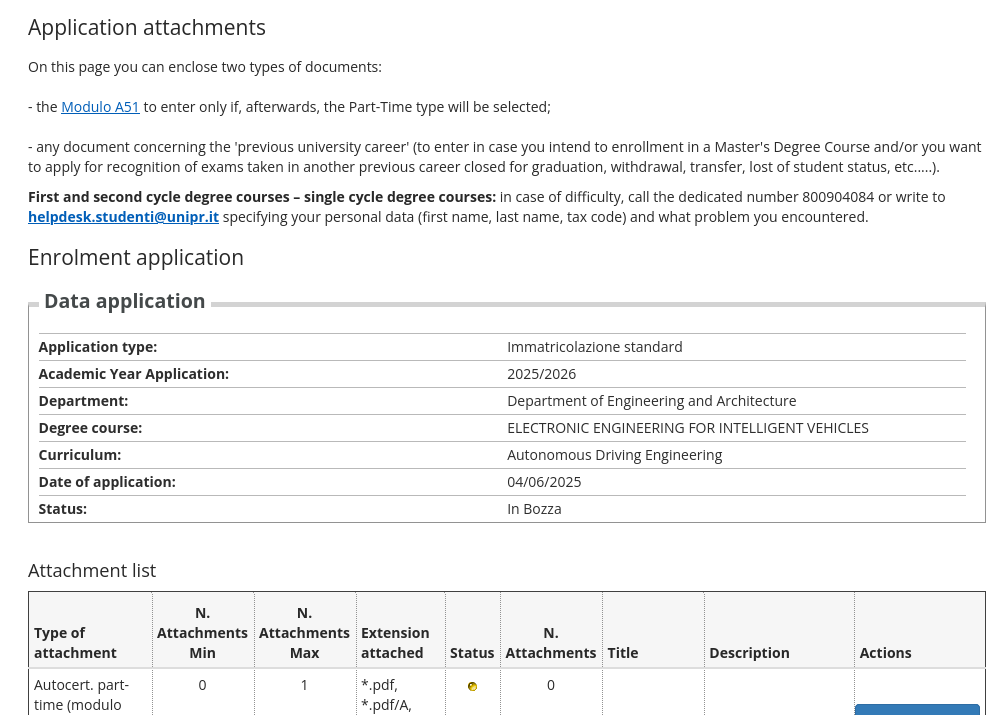
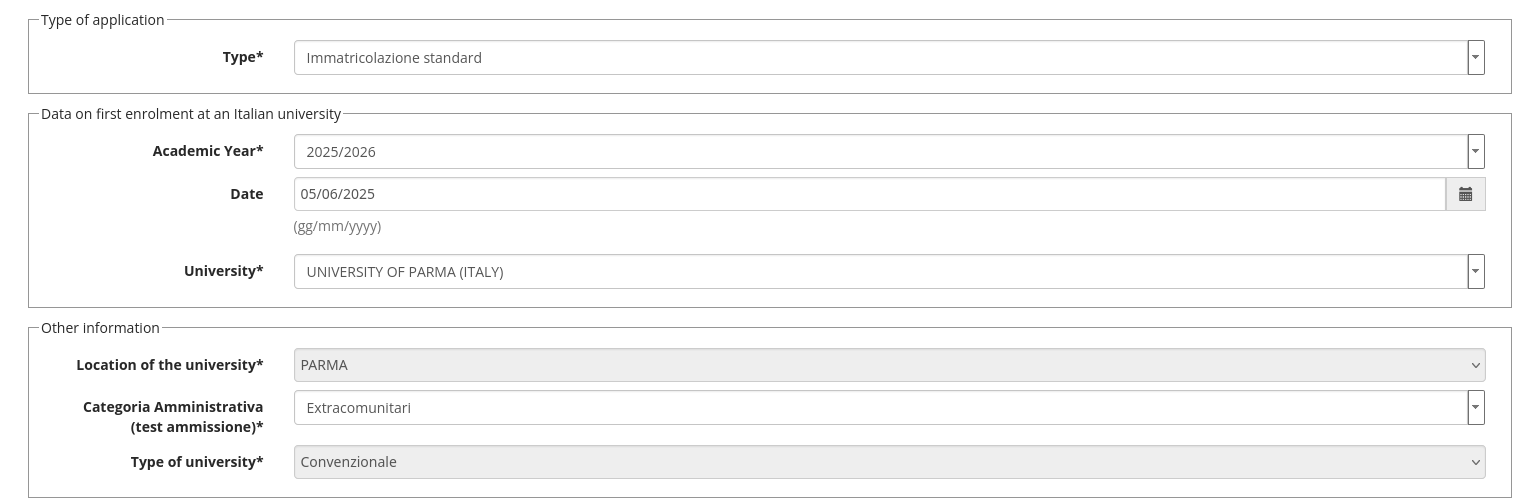
In this form you have to enter the following data:
- Type: immatricolazione standard
- Academic year: the one starting now...
- Date: today
- University: UNIVERSITY OF PARMA (ITALY)
- Location of the university: PARMA
- Categoria Amministrativa: Extracomunitari
- Type of university: convenzionale
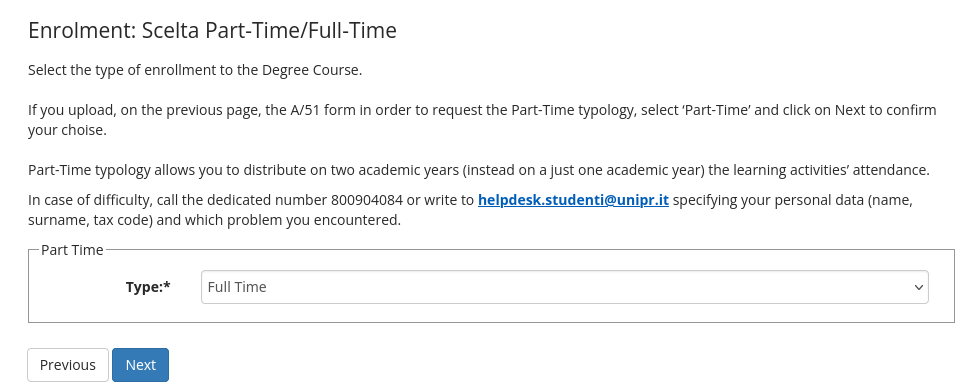
For EEIV only full Time can be selected
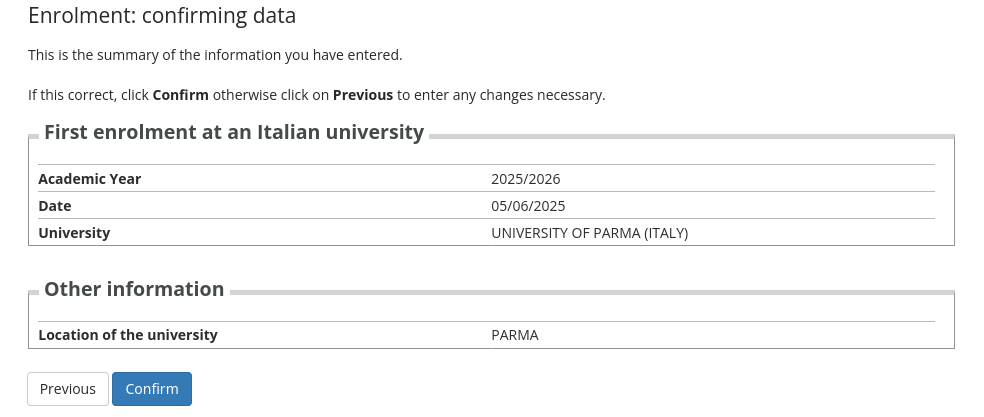
Just click on CONFIRM if it is all ok
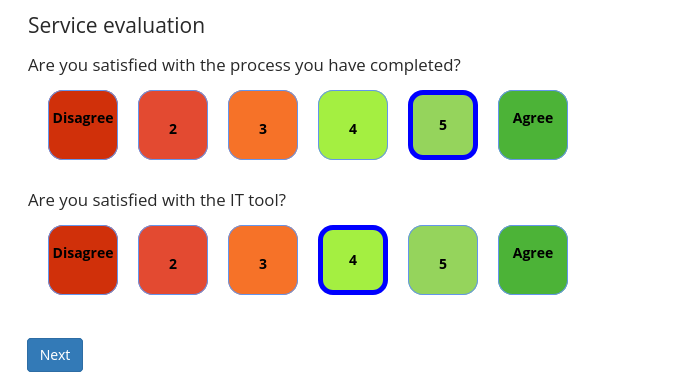
Feel free to evaluate as you prefer
In this page a recap is then available you can also print an enrollment letter here (useful maybe for the Embassy?)
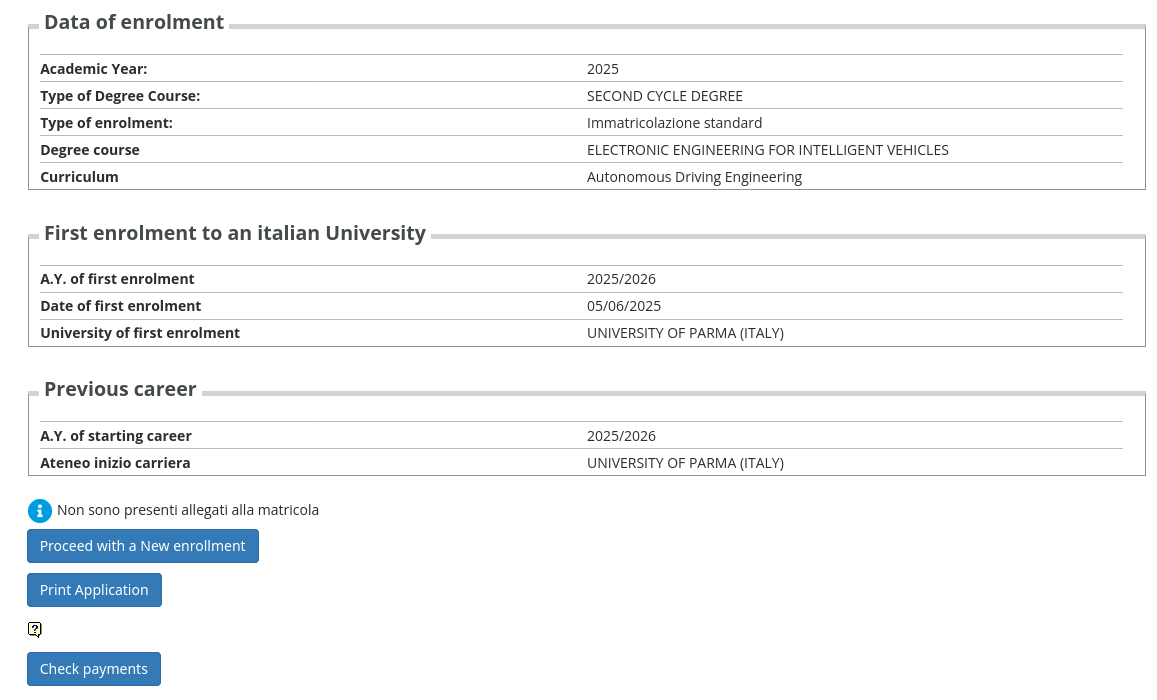
The page is also showing you the link for applying for student contribution benefits.
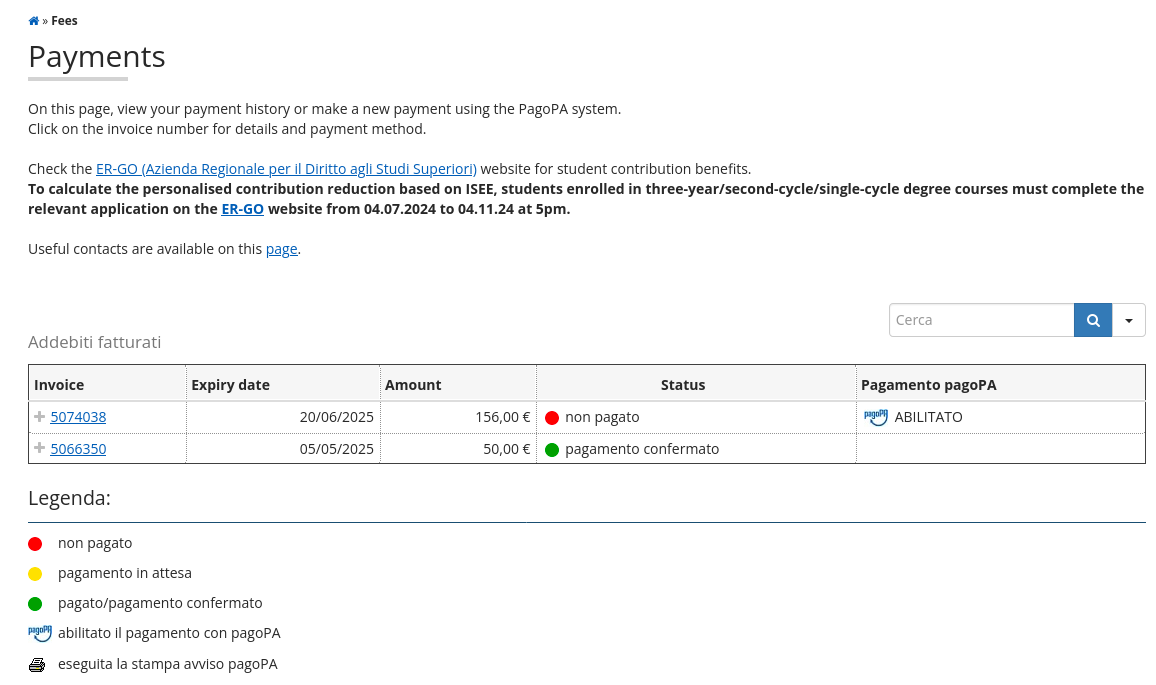
The enrollment payment must be fulfilled within the indicated deadline!